
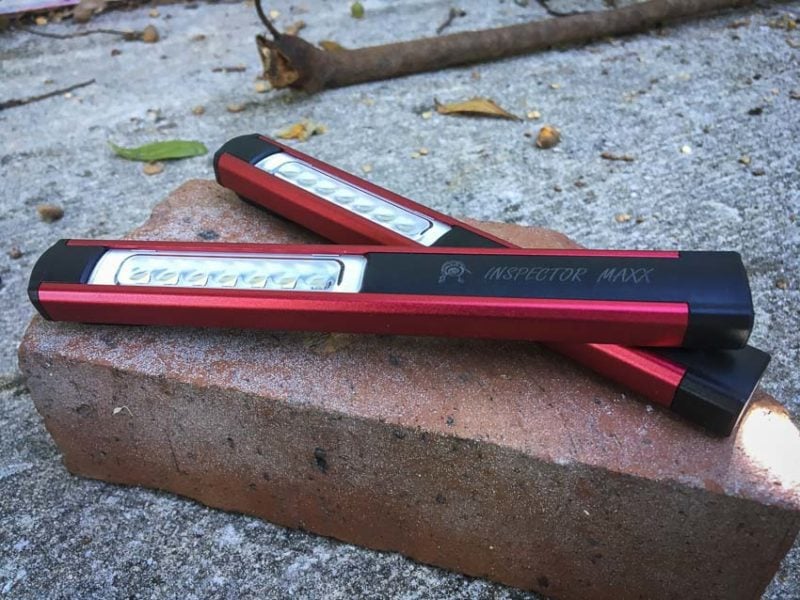
I use pen lights all the time to illuminate tight spaces. When you’re underneath a truck, for example, a traditional cordless light isn’t going to do you much good. Illuminating from above is also inefficient since you’ll likely blind yourself at some point. The WorkStar 420 Inspector Maxx is the designation of the Maxxeon pen light that offers either 200 lumens of output from the side or 135 lumens from the tip.
Maxxeon Pen Light Features
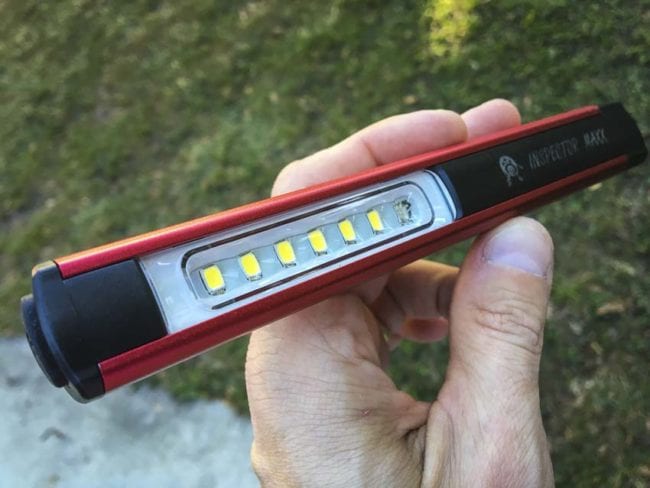
This Maxxeon pen light has very few bells and whistles but everything you need. The Inspector Maxx WorkStar 420 is rechargeable via a well-protected USB port near the pen light side of the tool. It also serves dual functionality as a work light and pen light. Press the button and you’re in work light mode. This gives you a nice wide 200 lumen beam from 6 LEDs. You can run the Maxxeon pen light for up to 1.5 hours in that mode.
Press the button twice, and the Inspector Maxx becomes a 135 lumen pen light. In that mode you get up to 2 hours of run time before having to recharge.
Did I mention that I love that you can recharge this pen light? Replacing AAA batteries is a real pain, so any time I can get my flashlights in a rechargeable format I’m all for it. In the case of the Maxxeon pen light, the internal LiPo battery recharges via USB and should give you at least a few hundred uses before dropping off too badly.
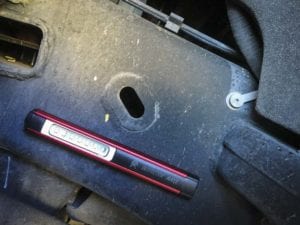
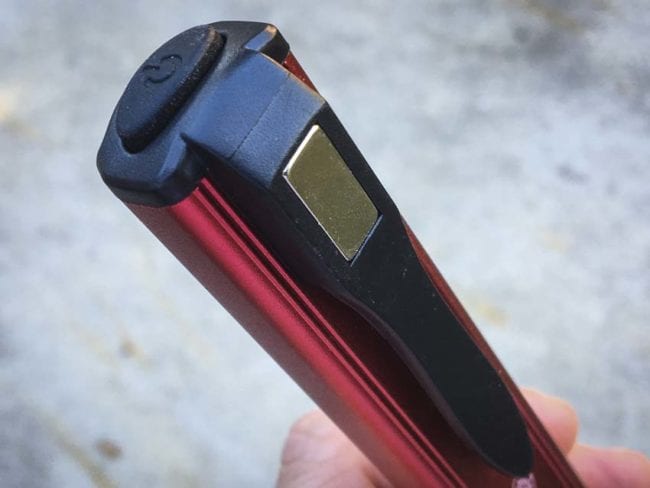
The Maxxeon Workstar 420 Inspector Maxx also comes with a nice extruded aluminum body. More importantly, it has a magnet at the top of the integrated pencil. With this you can stick it just about anywhere you’re working and let it illuminate the job. This isa perfect solution for plumbers, electricians, MRO professionals—or anyone who finds themselves in a tight space.
Recharging the Maxxeon Pen Light
To recharge the Maxxeon Workstar 420 pen light you just plug it in. Users may think there are 7 LEDs on the work light side, but that lowest LED is actually an indicator. Red means it’s successfully taking a charge, and a green indicator tells you it’s fully charged.
Maxxeon WorkStar 420 Inspector Maxx Specs
- Brightness (Work Light): 200 lumens
- Brightness (Penlight): 135 lumens
- LED: 3 W Cool White,
- Battery: 3.7V 800mAh LiPo rechargeable
- Run time (Work Light): 1.5 hours
- Run time (Penlight): 2 hours
- Recharge time 2.5 hours
- Throw ratio (work light): 1:1.5
- Distance (work light): 52 ft (16 m)
- Throw ratio (pen light): 1:0.5
- Distance (pen light): 138 ft (42 m)
- Pocket clip magnet
- Push button power switch
- Construction: Anodized aluminum
- Dimensions: 7 x 7/8 x 1/2 in. (18 x 2.2 x 1.3 cm)
- Weight 2.2 oz. (61 g)
- IPX4 water resistant rating
- Warranty: 1 year limited
- Includes: USB recharging cord
- Price: $30
Using the Maxxeon WorkStar 420 Pen Light
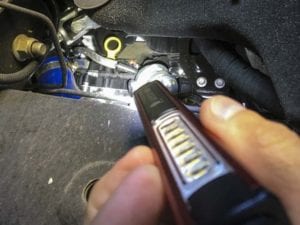 There’s no question that pen lights are handy. This one is a tad more expensive than most. With the aluminum build quality and rare earth magnet, it feels worth the extra spend. I used it for some inspection on my upgraded Ford F-150. Sliding underneath the driver side of the vehicle, I used the pen light to check out the EcoBoost system from below. The pen light side of the tool threw a nice, direct light on things. It made it easy to see what I needed, and there was plenty of steel to secure it and free up my hands. While I can’t attach into the aluminum body, the steel frame does just fine.
The pen light should get a lot of use from Pros. While your cell phone may provide light in a pinch, it’s also bulky and provides only a modicum of light output. With 135 lumens and 2 hours of run-time, you’ll want to keep the Maxxeon WorkStar 420 nearby at all times. Don’t make the mistake of holding the WorkStar 420 in your mouth, however. Clamping down on the aluminum frame is like chewing on aluminum foil!
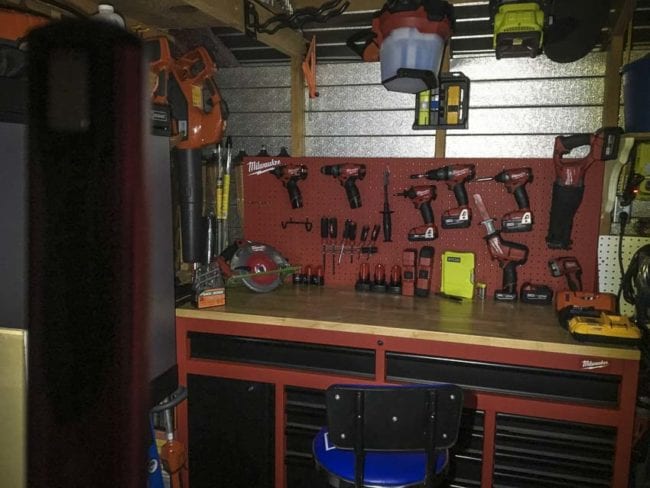
The majority of my use of this tool occurred in the work light mode, with the 6 LEDs providing good illumination. The design makes it easy to set on the ground with a 45 degree upward angle. The aluminum frame rests nicely onto the pocket clip.